

Creating an Order for Existing Customers
Overview
The order for Existing Customers creates a Mixed Quote for customers of Promotion Partners (PP).
The Existing Customer order type can be used to directly place an order for existing promotion partner customers.
Creating an Order for Existing Customers
1. Navigate to the Orders menu.
2. At the top on the right side, click the Create New Order button.
3. Select Existing Customer.
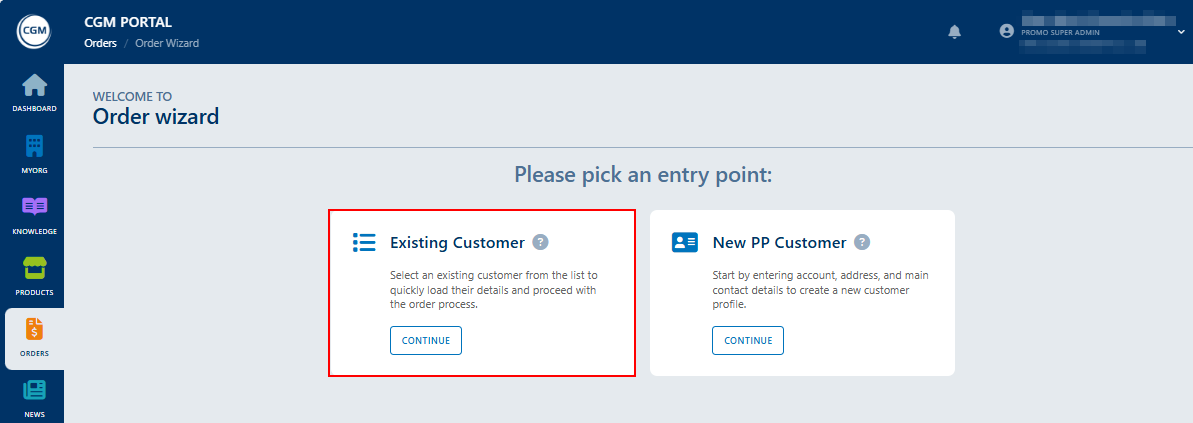
4. In the Customer's Account step, select the existing customer for which you want to place the order.
5. The further process for ordering is similar to the process described in chapter >> Mixed Quote.